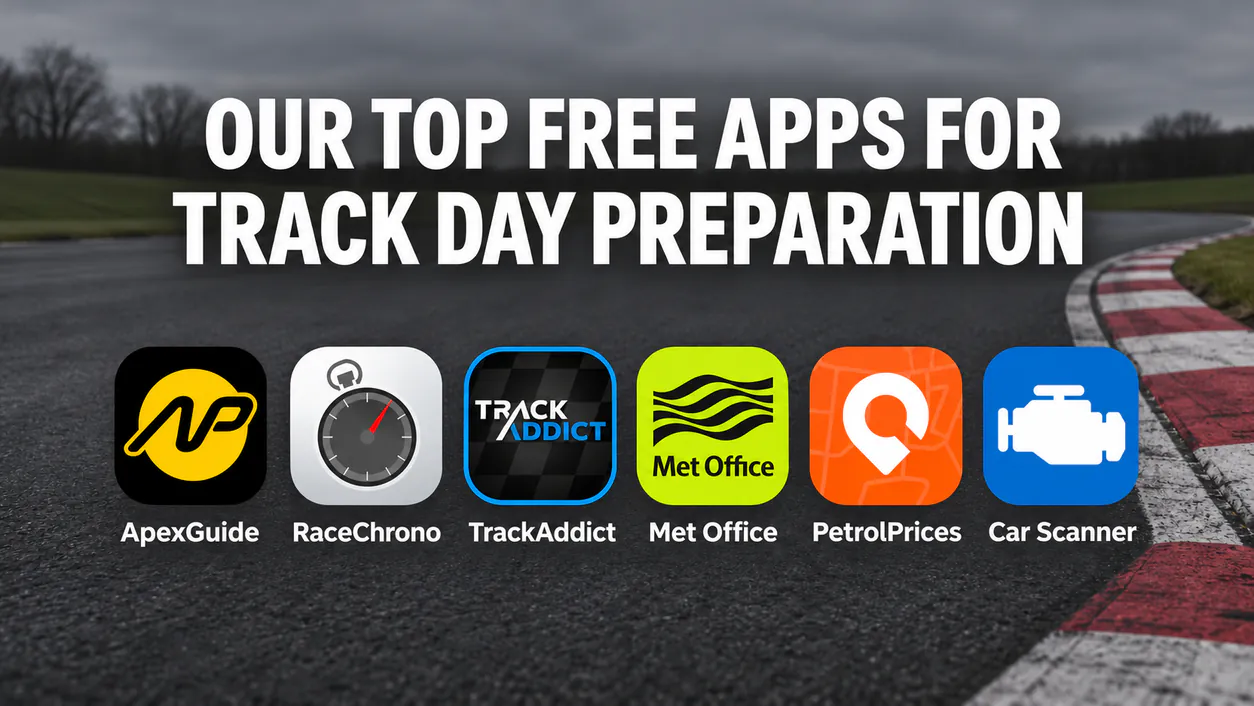
A car track day costs enough already, so it helps when the tools you use to get ready don't. Most of what we use before and during a day at the circuit lives on a phone, and every app here is free to download and use.
Some are completely free and some have a free version with paid extras. We've said which is which, and which phones each one works on. They're in the order you'd use them, from the week before the event to the drive home.
1. Met Office: check the forecast for the circuit
The weather changes a track day more than almost anything else. A wet track needs a different approach and more patience, and in winter you'll want to know about frost before you set off.
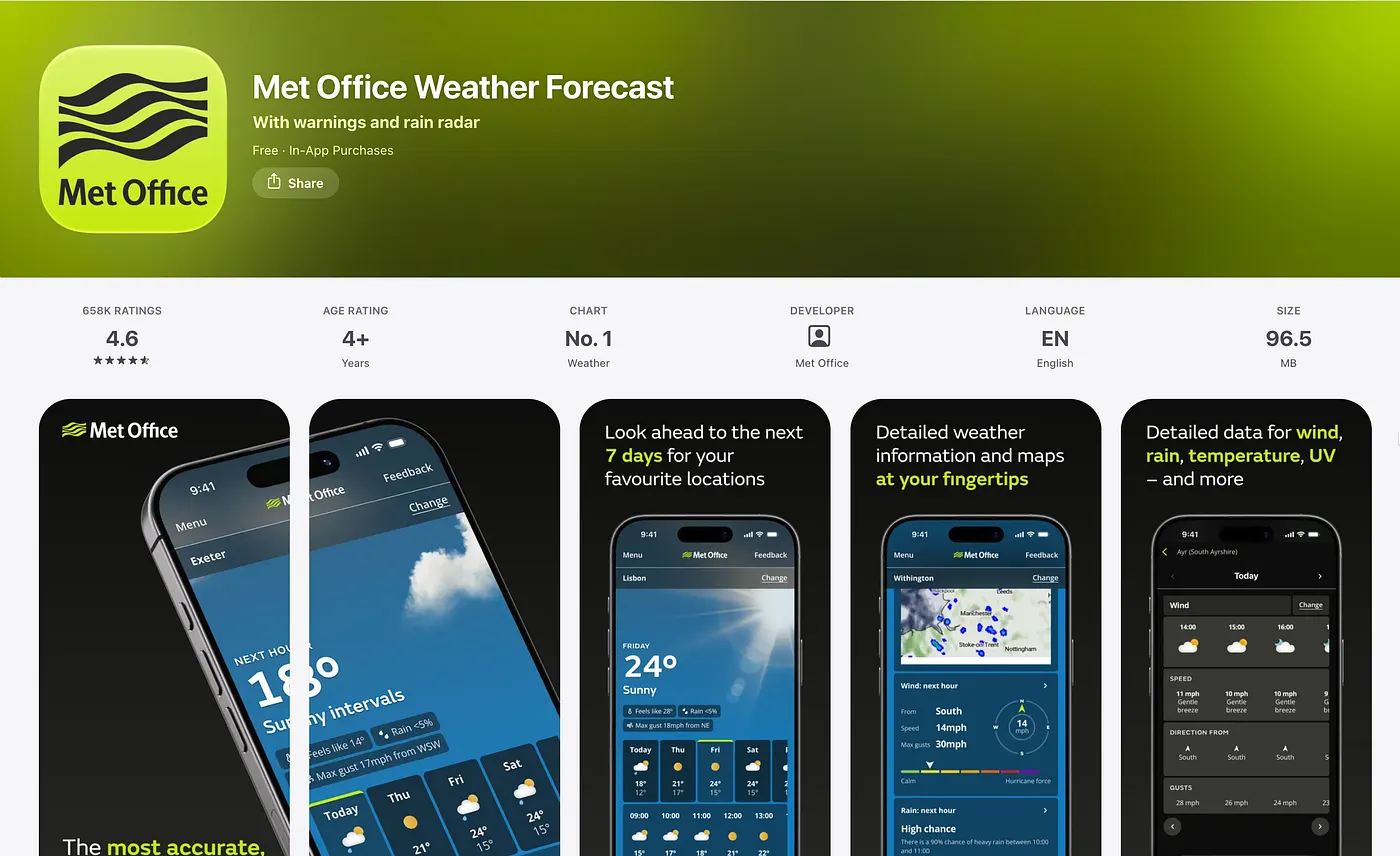
The Met Office app lets you save locations, so save the circuit itself rather than the nearest town. You get an hourly forecast up to seven days ahead, the chance of rain for each hour, and wind including gusts. On the day, the rain map is the useful part. If a shower is heading your way around lunchtime, you can see roughly when it will arrive and plan your next session around it.
It's free on iPhone and Android. There's an optional in-app purchase to remove the adverts.
2. Car Scanner ELM OBD2: read a fault code in the paddock
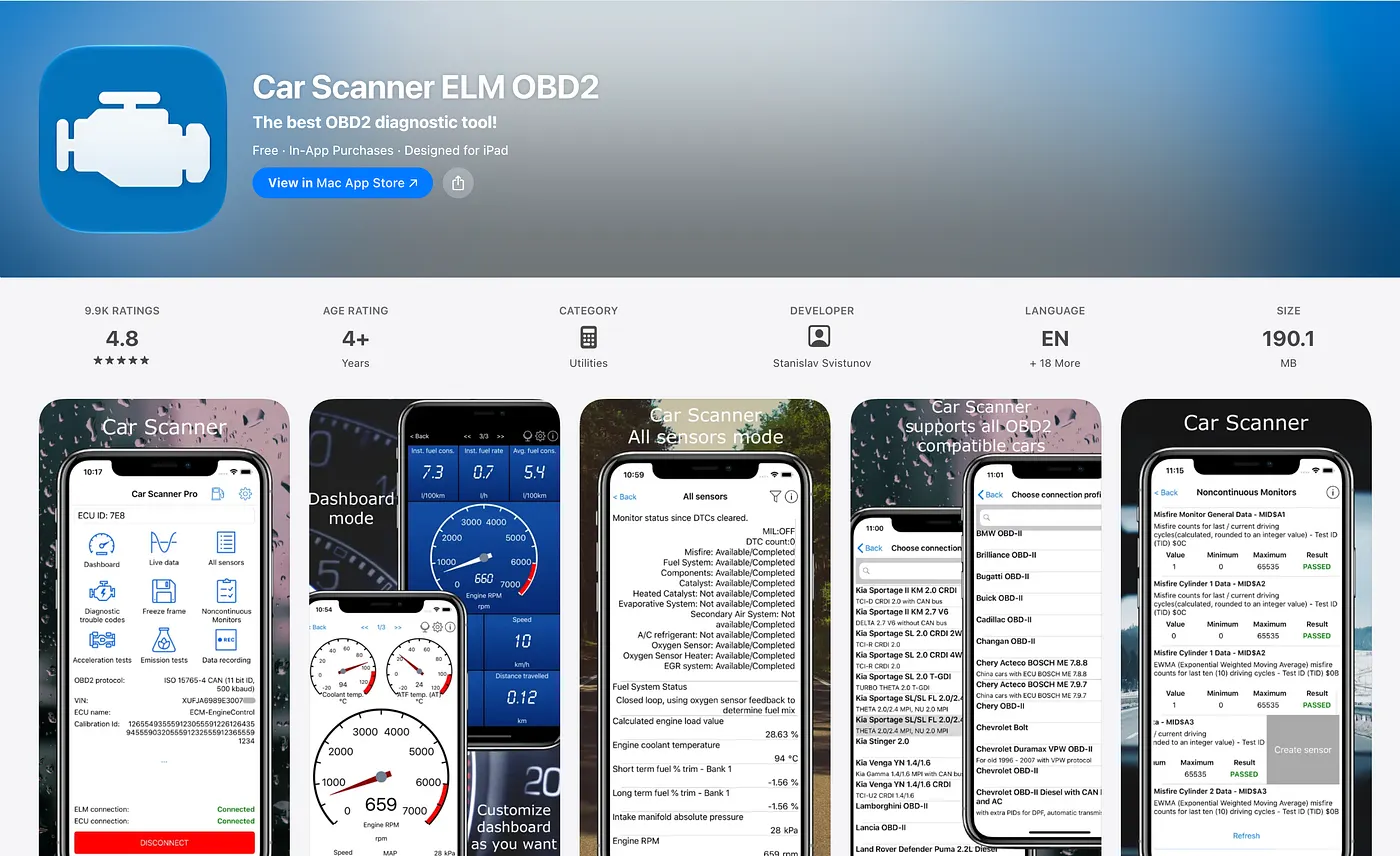
A warning light doesn't always mean your day is over. Car Scanner reads the fault codes stored by your car's engine management and gives you a description of each one, so you can tell whether it's something minor or a reason to stop and get it checked.
You'll need an OBD2 adapter that connects to your phone by Bluetooth or Wi-Fi. It plugs into the diagnostic socket, which is usually under the dashboard. The developer recommends avoiding cheap clone adapters marked v2.1, as they can be unreliable. If your car makes them available, the app also shows live readings such as coolant temperature, which is handy for keeping an eye on things between sessions.
Car Scanner is free on iPhone and Android, with a one-off purchase or subscription to unlock all of its features. Our car preparation guide covers the checks worth doing before you go.
3. ApexGuide: learn the circuit before you get there
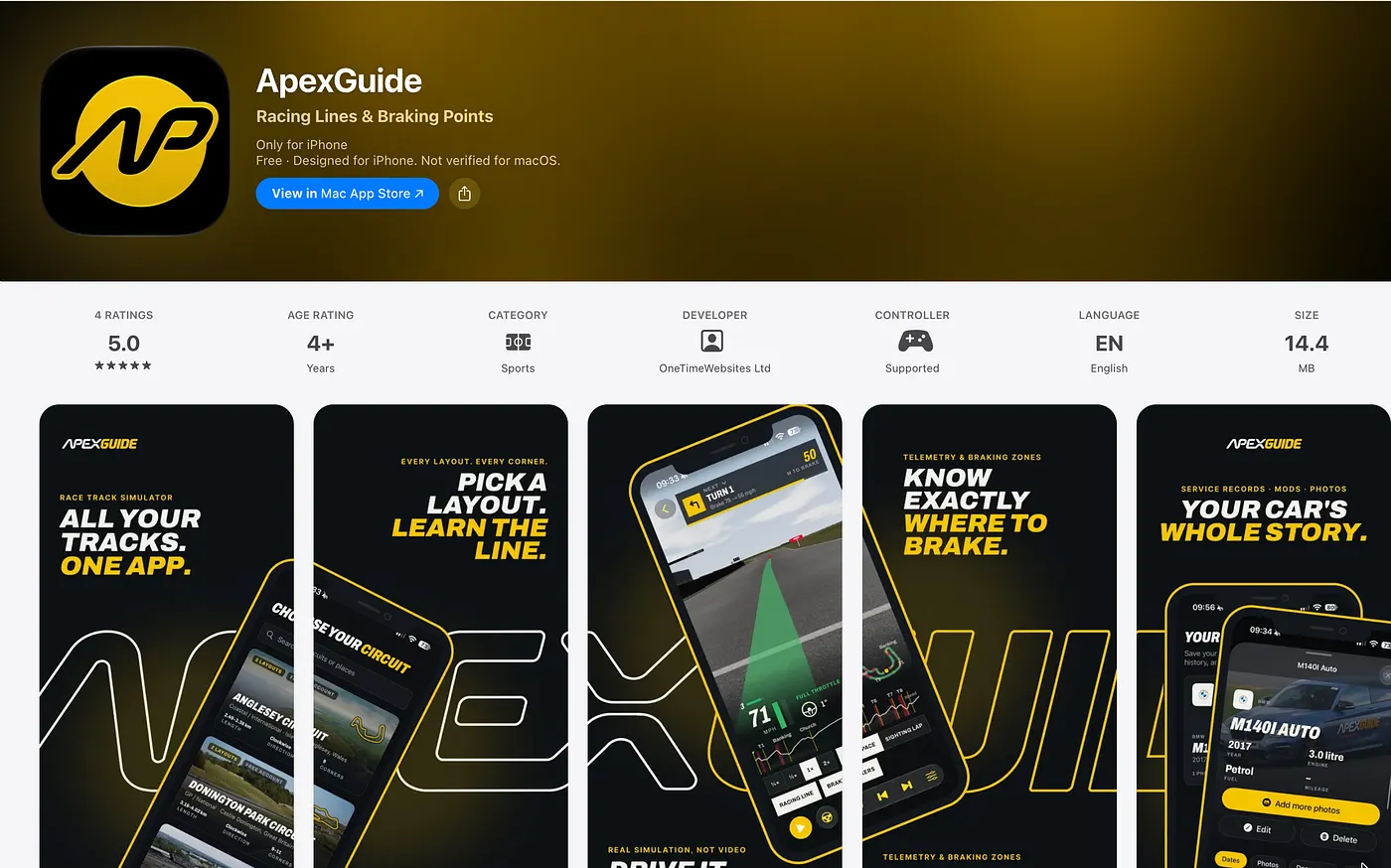
This is the one we made, so we're biased. It's on the list because we couldn't find a free app that did this when we started doing track days.
Most track days start with a few sighting laps, which isn't long to learn a circuit you've never seen. The usual answer is an onboard video on YouTube, but finding one on the right layout, filmed from a useful seat and without a race going on around it, is hit and miss.
ApexGuide lets you drive a full lap of a real circuit from the cockpit, on the racing line, with braking zones marked for each key corner. You can pause, rewind and replay any part of the lap, and slow it down to sighting lap pace until you know what's coming over each crest. There are 11 circuits so far, including Brands Hatch, Donington Park, Oulton Park, Silverstone, Anglesey and Cadwell Park, and each one has a corner-by-corner guide.
Circuits can be downloaded to drive offline, so you can still go over the corners in the paddock on the morning of your track day if the signal is poor. The app also has a garage for your car, with MOT reminders, service records and documents.
ApexGuide is free on iPhone, and on Android phones, tablets and laptops it runs in the browser at apexguide.co.uk.
4. PetrolPrices: find the right fuel near the circuit
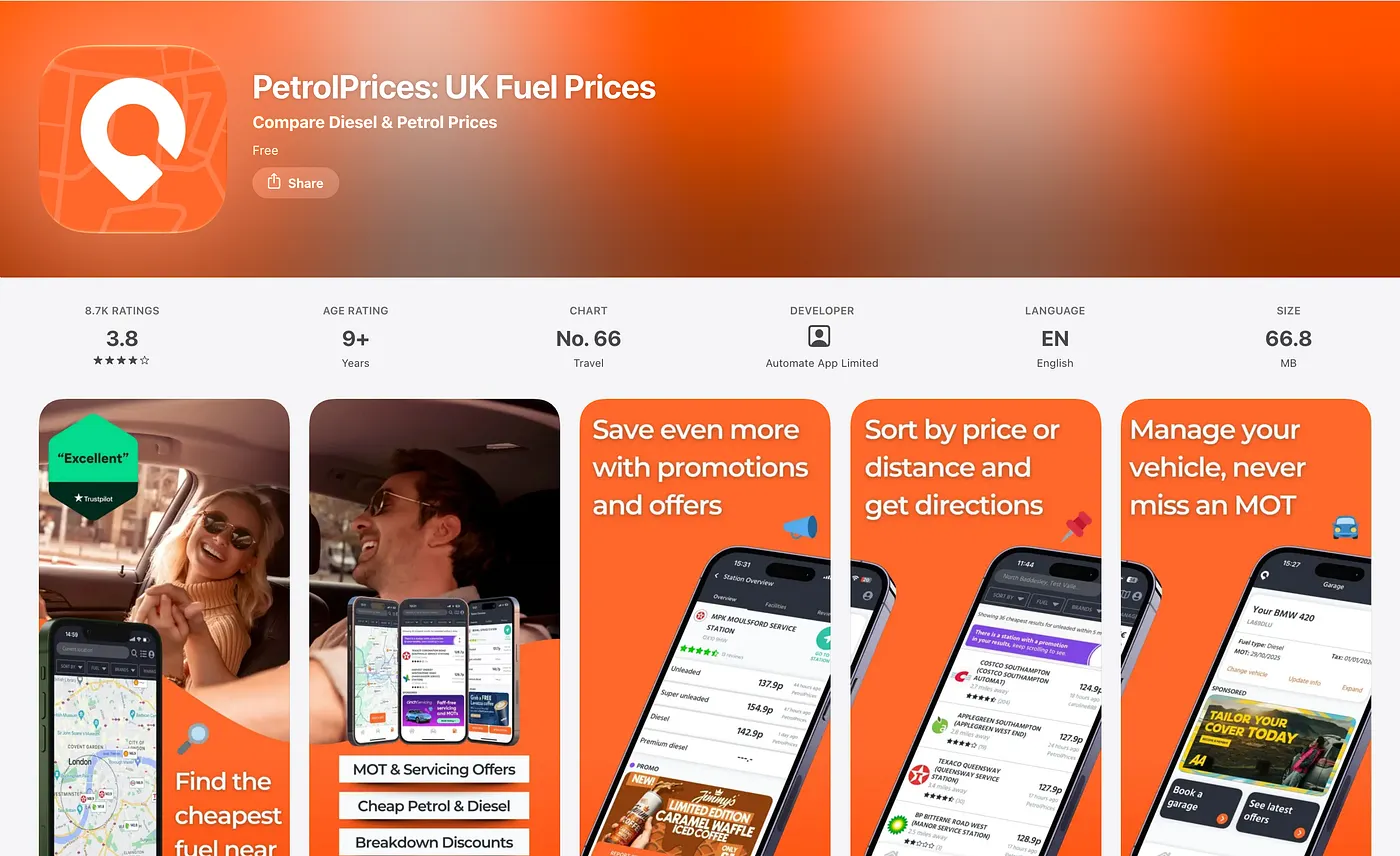
You'll use far more fuel on a track day than on a normal drive, and not every circuit sells fuel on site. If your car needs super unleaded, it's worth knowing where to get it before you're running low in the paddock.
Search for the circuit's postcode in PetrolPrices and filter by fuel type. You'll see nearby stations on a map or in a list, with their reported prices. Pick one on your route in, and check the opening hours if you're planning to fill up before sign-on.
PetrolPrices is free on iPhone and Android. Prices come from retailers and other drivers, so one that looks much cheaper than the rest may be out of date.
5. TrackAddict: time your laps and record video
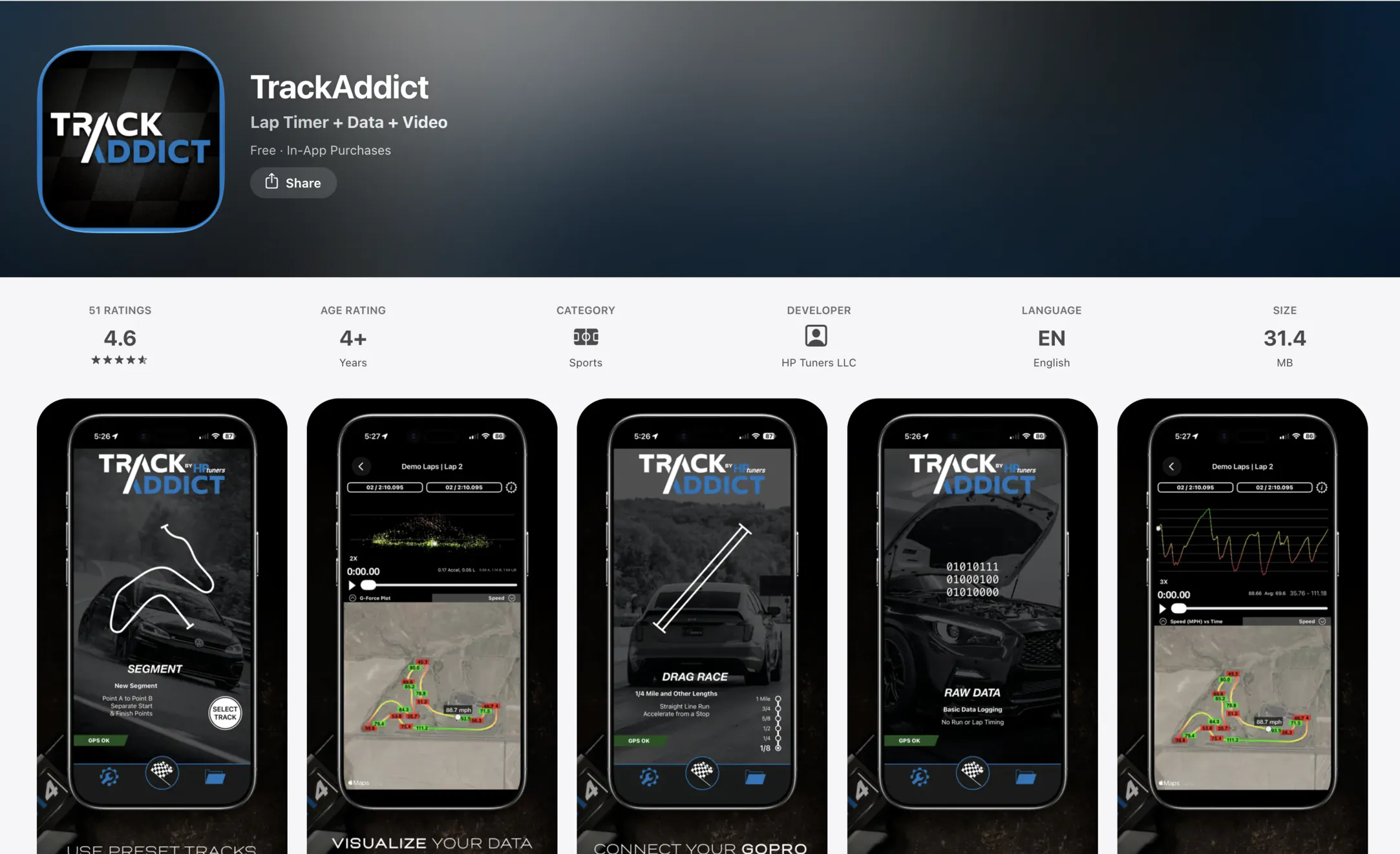
Once you're on track, TrackAddict turns your phone into a lap timer and a camera. It uses GPS to time your laps, with sector splits, and can record video with your data laid over the top. Afterwards you can compare laps and look at your line on a map. If you already have an OBD2 adapter for Car Scanner, TrackAddict can log data from it too.
The free edition has most of the features. It only stores three recordings at a time, adds a logo to your videos and leaves out live telemetry. A Pro upgrade removes those limits. It's free on iPhone and Android.
Track days aren't races, and some organisers don't allow lap timing, so check the rules for your event first. Whatever you use, mount the phone securely so it can't come loose and end up in the footwell.
6. RaceChrono: look back at a session
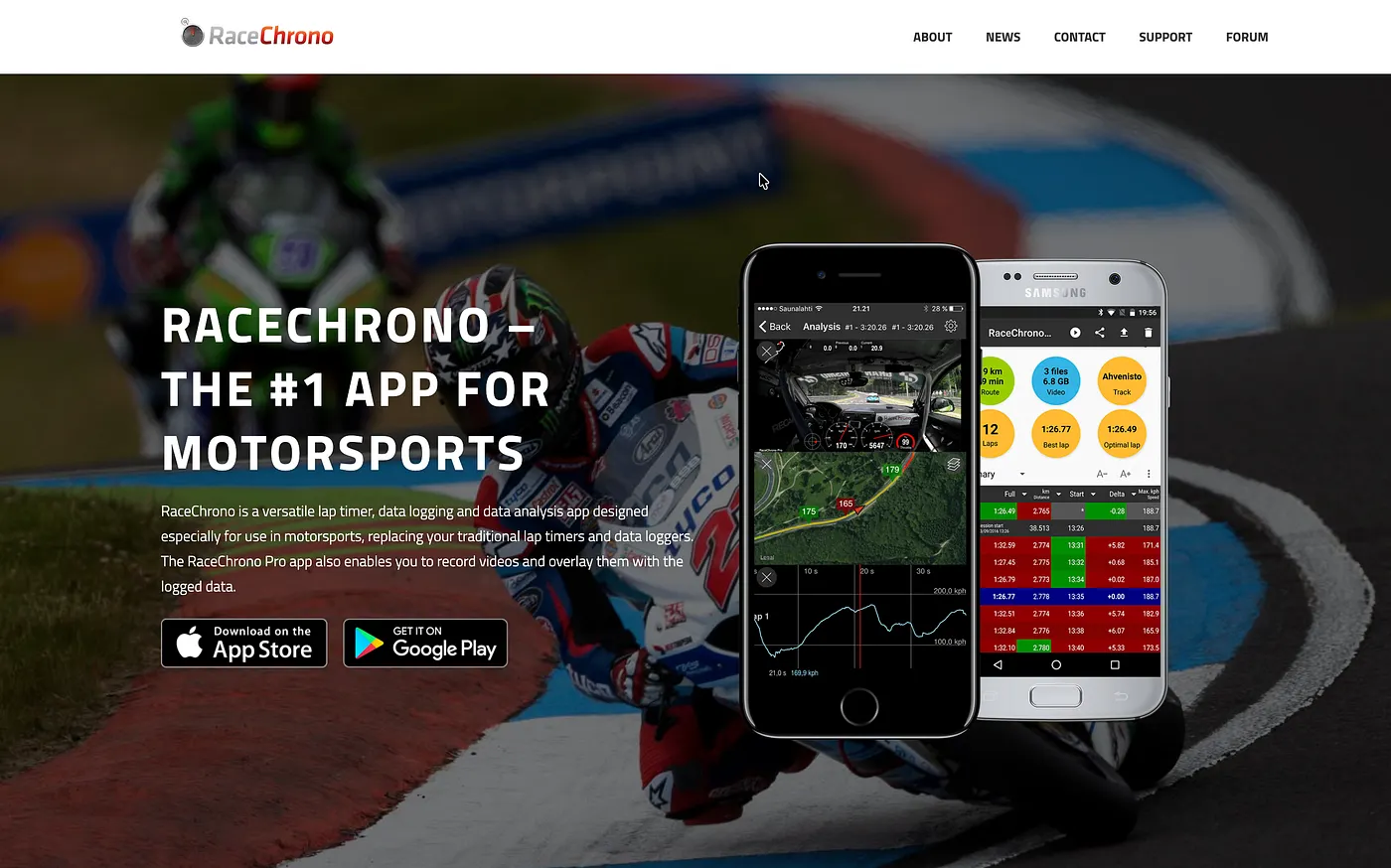
What we like about RaceChrono is looking at the sectors afterwards. On track it's hard to tell where the time is going. Two laps can be a tenth apart, then the sector times show you lost time in one part of the lap and made it back somewhere else. That tells you which corners to work on in your next session.
The free RaceChrono app on Android times laps with sectors and an optimal lap, and has over 2,600 circuits in its library. Video, predictive timing and OBD2 support are paid extras. On iPhone there's only RaceChrono Pro, which is a paid app, so TrackAddict is the free choice if you're on an iPhone.
All six at a glance
- Met Office: forecast and rain map for the circuit. Free on iPhone and Android.
- Car Scanner ELM OBD2: reads fault codes and live data. Free on iPhone and Android, needs an OBD2 adapter.
- ApexGuide: drive a lap of the circuit before you go. Free on iPhone, and in the browser on Android and desktop.
- PetrolPrices: find fuel near the circuit. Free on iPhone and Android.
- TrackAddict: lap timer and video. Free on iPhone and Android, with a Pro upgrade.
- RaceChrono: lap timing and sector analysis. Free on Android, paid on iPhone.
Getting ready for your first one?
If it's your first track day, our guide to your first track day explains how the day runs, and 5 first track day mistakes to avoid covers a few things we learned the hard way. When you're ready to book, the track days page lists upcoming dates by circuit.
Frequently Asked Questions
Do I need to pay for a lap timer app?
No. TrackAddict has a free edition on iPhone and Android, and RaceChrono is free on Android. Both have paid upgrades for extras such as video and more storage.
Can I use my phone as a lap timer on a track day?
Usually, but some organisers don't allow lap timing, so check the rules for your event. Use a secure mount so the phone can't come loose.
What's the best free app to learn a race track?
We built ApexGuide for this, so we're biased. It lets you drive a full lap of the circuit at your own pace, and it's free on iPhone and in the browser. Onboard videos on the right layout help too.
Do I need an OBD2 adapter to read fault codes?
Yes. Apps like Car Scanner connect to your car through a Bluetooth or Wi-Fi OBD2 adapter that plugs into the diagnostic socket.
Which weather app should I use for a UK track day?
We use the Met Office app. Save the circuit as a location and check the hourly rain forecast and the rain map on the day.